

Is Cookie Clicker Unblocked Safe to Play? What’s Actually Running Behind the Game
Parents, students, and office players ask the same thing: is this version safe, or does it quietly run ads and trackers? The answer depends less on the game than on the site hosting it, and you can check it yourself in under a minute.
- Cookie Clicker Unblocked runs in your browser with nothing to download, removing the main malware risk on game sites.
- “Safe” splits in two: device safety (low, since nothing installs) and data privacy (depends on the site’s ads and cookies).
- cookieclickerunblocked.io’s Privacy Policy says it may serve Google AdSense ads and use cookies for ads and analytics, and does not sell personal data.
- Progress saves locally in your browser, so no account or sign-up is needed.
- Five of the top ten US results for this game sit on free domains where ad and tracking behavior is hard to verify, so check before you trust.
Cookie Clicker Unblocked is generally safe because it runs in your browser with nothing to install, so no virus can land from the game itself. The real risk with any unblocked game is the host, not the game itself. Explore how you can get Cookie Clicker Cheat Codes.
Does It Have Ads or Track You?
Many cookie clicker unblocked games run ads to stay free. cookieclickerunblocked.io’s published Privacy Policy says it may show Google AdSense ads and use cookies for advertising and analytics, while stating it does not sell personal information. When a banner says “no ads” but the policy describes AdSense, the policy is the version that counts. You can also confirm it yourself, which most “is it safe” guides never explain how to do.
How Do the Options Compare?
| Safety factor | This browser version | Unknown free-host clone | Official |
| Download or install | None | Usually none | None |
| Malware risk | Low | Higher (fake “download” buttons) | Low |
| Ads | Yes, AdSense per policy | Often intrusive | Yes, ad-supported |
| Tracking cookies | Ad and analytics | Often undisclosed | Yes |
| Account needed | No | Sometimes | No |
| Personal data sold | No, per policy | Unknown | Per Google policy |
Is It Safe for Kids and at School?
The content is low-concern: non-violent, no in-game chat, no microtransactions on standard versions. The thing to supervise is advertising, which an ad blocker handles for younger players. The browser-only format is why it loads on locked-down school Chromebooks, and why searches like “cookie clicker unblocked 66” or “76” point to versions that work on restricted networks. Pair access with parental controls and a time limit.
How Can You Check Any Site Yourself?
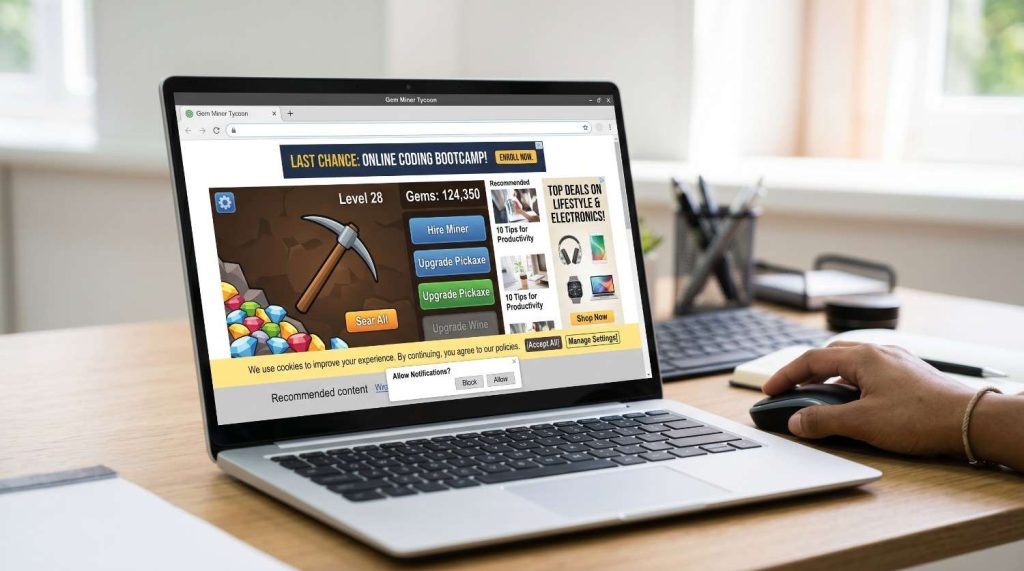
You do not need to trust a label. To find a safe cookie clicker unblocked site, confirm the address uses https, then open the Privacy Policy and read the cookies and ads sections rather than the banner. Run a free ad blocker like uBlock Origin, and scan the domain through Google Safe Browsing or VirusTotal for known malware. Look for a named owner and real contact details. Close the tab on clear red flags: a “download to play” button (a browser game never needs one), pop-ups that hijack the back button, missing https, or no privacy policy.
How Does It Save Without an Account?
Progress saves locally in your browser, not on a server, so no login is needed and it plays offline once cached, like the auto clicker mode. cookieclickerunblocked.io auto-saves to local storage about every 60 seconds. To reset, clear the site’s data in your browser settings; switching devices starts fresh.
Frequently Asked Questions
Is it legal to play Cookie Clicker unblocked?
Yes, a fan-made unblocked version is legal to play in the US and elsewhere, since reputable hosts do not claim ownership of Orteil’s original game. Legality is about how you access it. Your network’s own rules are the only limit, since a school or employer can still ban gaming on their devices.
Is Cookie Clicker unblocked safe at school?
Generally yes, because it runs in the browser with no install and cannot drop software onto a managed Chromebook. The main exposure is host-site ads, which an ad blocker reduces. Schools usually block sites rather than track play, but check your acceptable-use rules first.
Can you play unblocked games Cookie Clicker on mobile?
Yes. Built in HTML5 and JavaScript, unblocked games Cookie Clicker run on any phone or tablet with a modern browser, no app download needed. Touch maps to the same single-tap gameplay as desktop.
Why do some sites show ads if they say “no ads”?
Free game sites cover hosting through advertising, so a “no ads” banner can conflict with the actual privacy policy. When the two disagree, the privacy policy is binding. Read it and run an ad blocker to confirm.
Does cookieclickerunblocked.io collect personal data?
Per its Privacy Policy, it collects basic usage data like browser type, and personal details only when you submit them through a contact form. It uses cookies for ads and analytics via Google AdSense and does not sell personal data. You can opt out of personalized Google ads in Google Ad Settings.
About The Author

Hey, I’m Jody! I’m a web developer by profession and a passionate gamer from heart. Over the years, I’ve combined these two worlds by creating custom mods of mini web based games and tools to assist in those game so game's community members can enjoy enhanced user experience. Cookie Clicker Unblocked is also one of such project, created out of my love for the Cookie Clicker game.
I’ve released 7 versions to date, built dedicated cookie calculating tool, and even published a detailed guide to help players navigate the game like a pro. Let’s make gaming even more fun together!
- Jody Pressman

- Jody Pressman
- Jody Pressman
- Jody Pressman
- Jody Pressman
- Jody Pressman
- Jody Pressman
- Jody Pressman
- Jody Pressman
- Jody Pressman
- Jody Pressman
- Jody Pressman